> For the complete documentation index, see [llms.txt](https://docs.snackprompt.com/llms.txt). Markdown versions of documentation pages are available by appending `.md` to page URLs; this page is available as [Markdown](https://docs.snackprompt.com/get-started/monetize-your-prompt.md).
# Monetize your prompt
Discover how to turn your creativity into profit. Learn how to set up your Stripe account and start selling your prompts securely.
In this section, you will learn how to turn your prompt into a product. Snack Prompt uses Stripe as an official partner to ensure you receive your payments securely and automatically.
### Setting up your Stripe Account
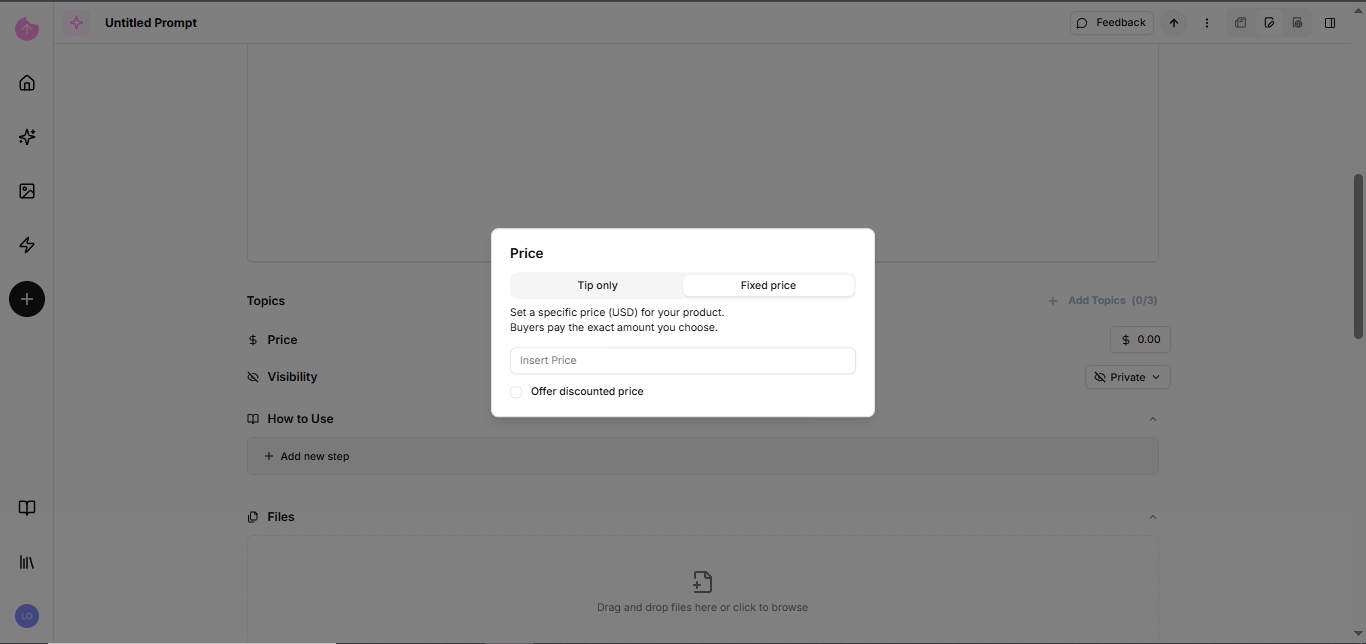
You'll see the Price field in almost all Elemental creations. But for that value to reach you, you need to connect your digital payment terminal.
### Why do I need a Stripe account?
* Security: Stripe is the global standard for online payments.
* Payment Split: The system automatically calculates your commission and processes platform fees.
* Trust: Your customers will feel secure paying through an approved checkout.
### How to register:
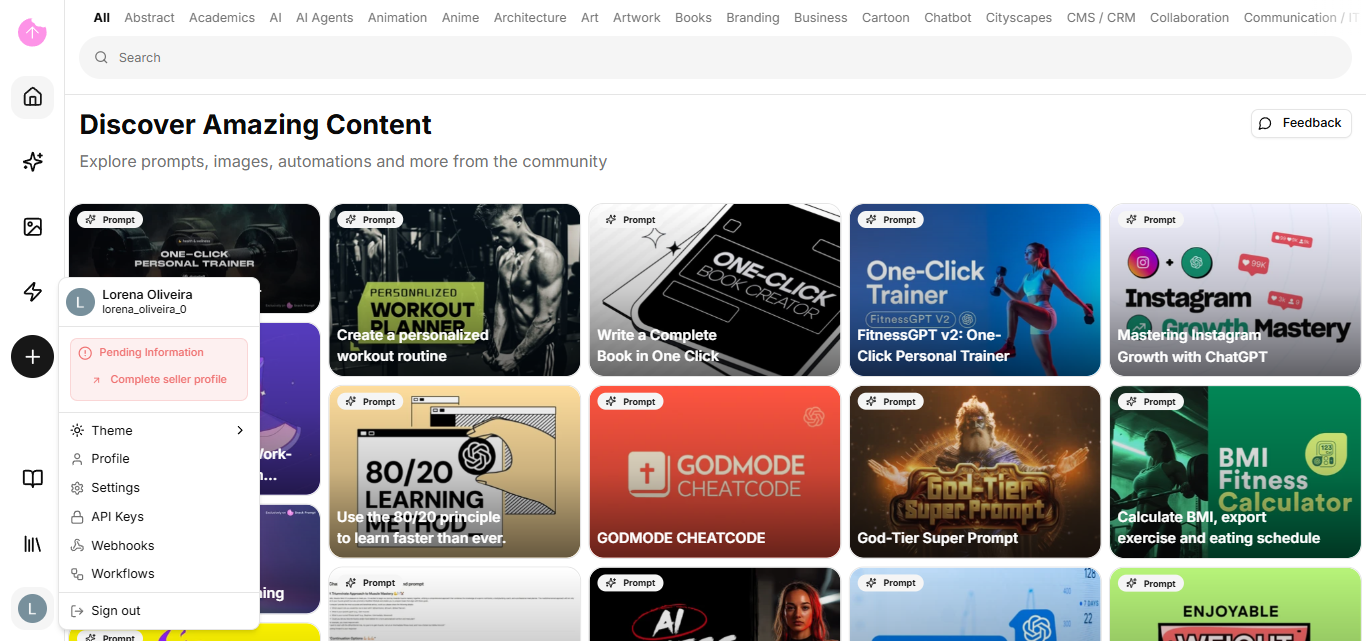
1. In your Profile, access Billing/Payouts.
2. Click "Connect Stripe".
3. You will be redirected to Stripe's secure environment to fill in your bank and identity details.
4. After completion, the status in Snack Prompt will change to Verified.
Now that you know how to monetize your prompts, let's learn about knowledge bases and how you can transform your files into one.