> For the complete documentation index, see [llms.txt](https://docs.snackprompt.com/llms.txt). Markdown versions of documentation pages are available by appending `.md` to page URLs; this page is available as [Markdown](https://docs.snackprompt.com/get-started/quickstart.md).
# Quickstart
A quick guide to getting started with Snack Prompt, focusing on how to discover ready-made prompts on our public page and conduct your first interactions with AI.
For those who want to find amazing suggestions and use them in their daily lives.
### Discovering your first Prompt
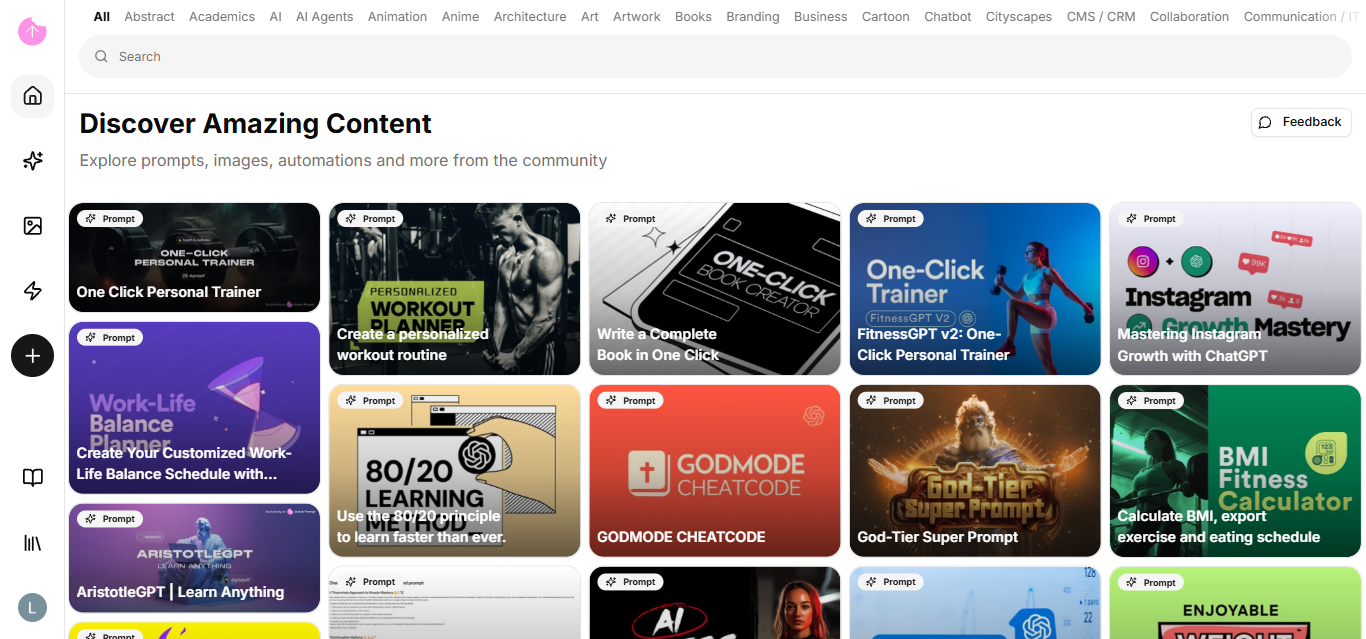
Browse our Public Page. There, you'll find prompts categorized by utility (Marketing, Dev, Copywriting, etc.).
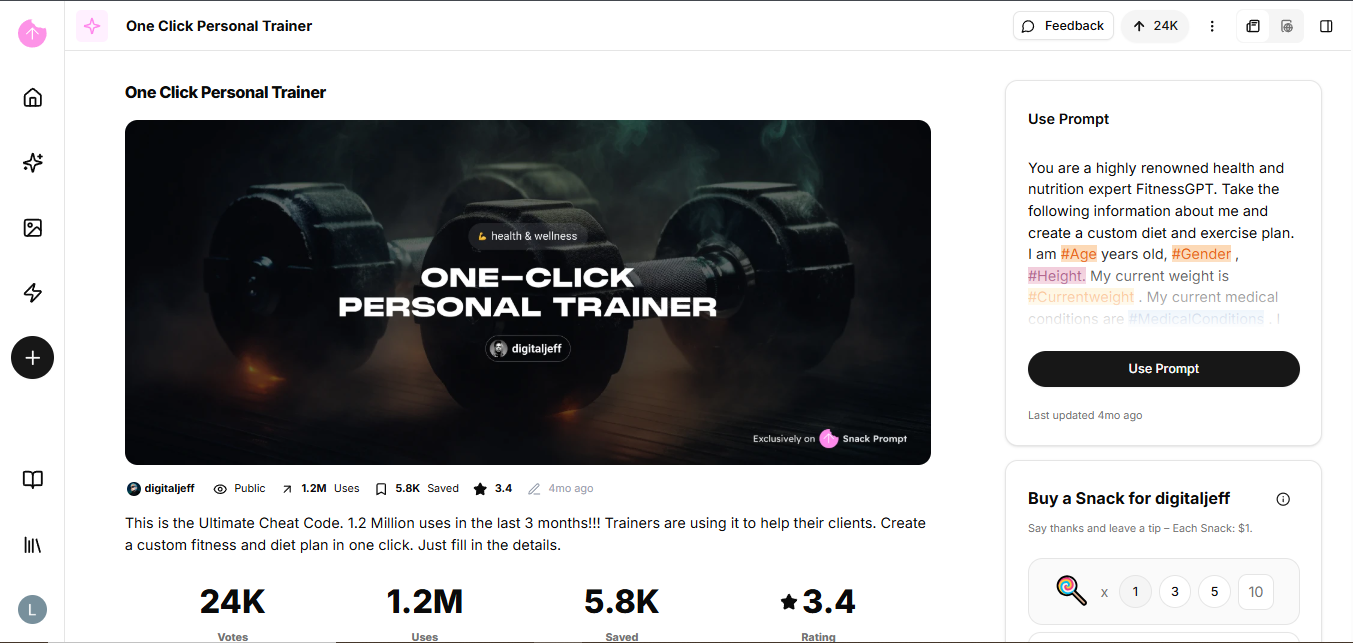
* Action: Click on a prompt card.
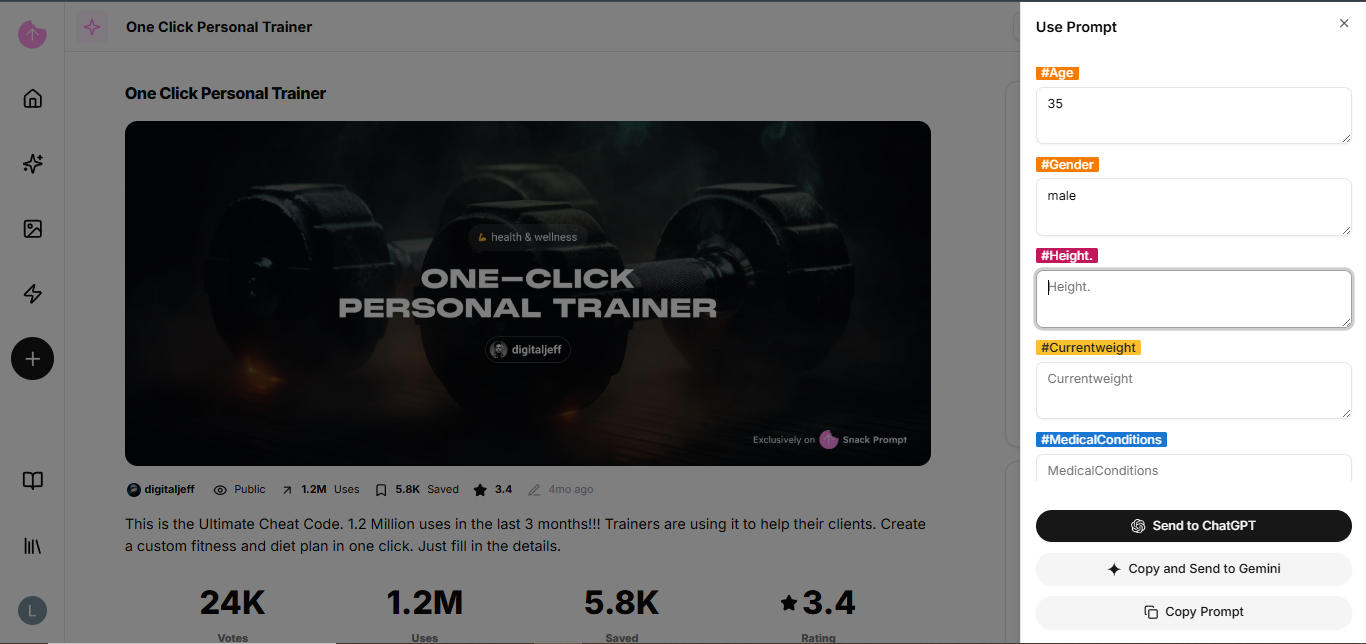
* Interaction: Fill in the fields (Elementals) defined by the author.
* Result: Click "Copy" or "Run" to see the magic happen.
### Create your prompt
Now that you're familiar with our public page, it's time to create your first prompt.