> For the complete documentation index, see [llms.txt](https://docs.snackprompt.com/llms.txt). Markdown versions of documentation pages are available by appending `.md` to page URLs; this page is available as [Markdown](https://docs.snackprompt.com/how-to/form.md).
# Create a form
Learn how to set up interactive forms to collect user data and integrate them directly into your prompts or automations.
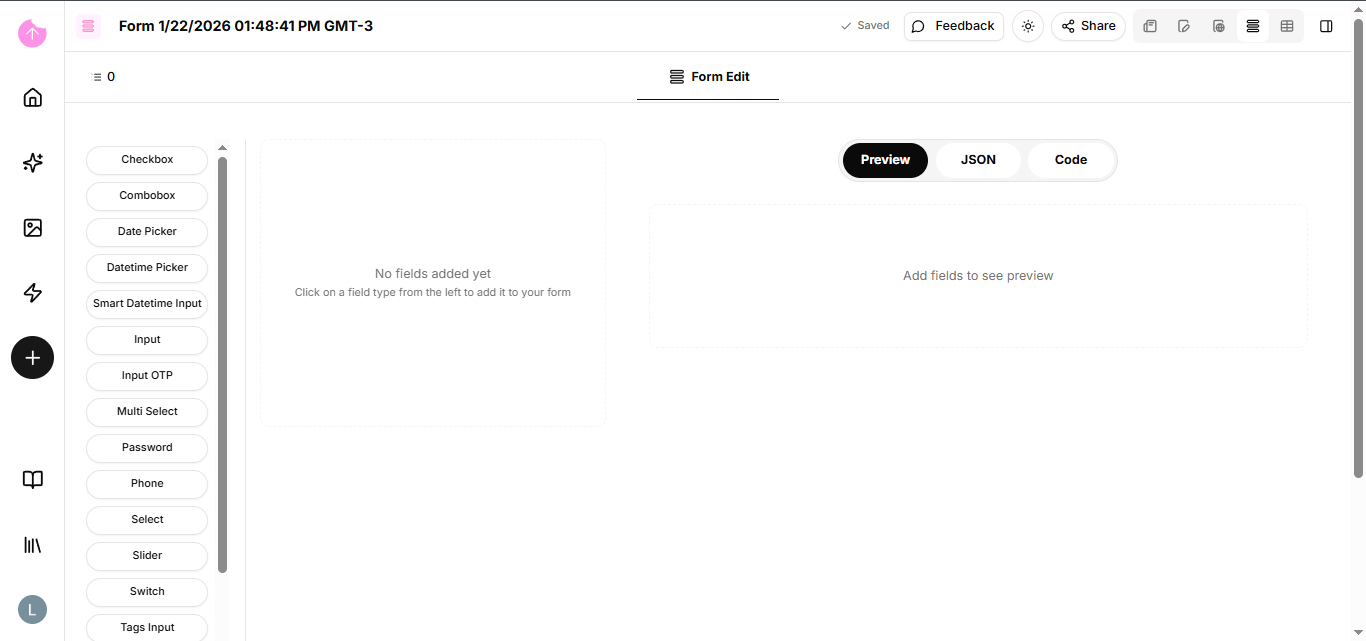
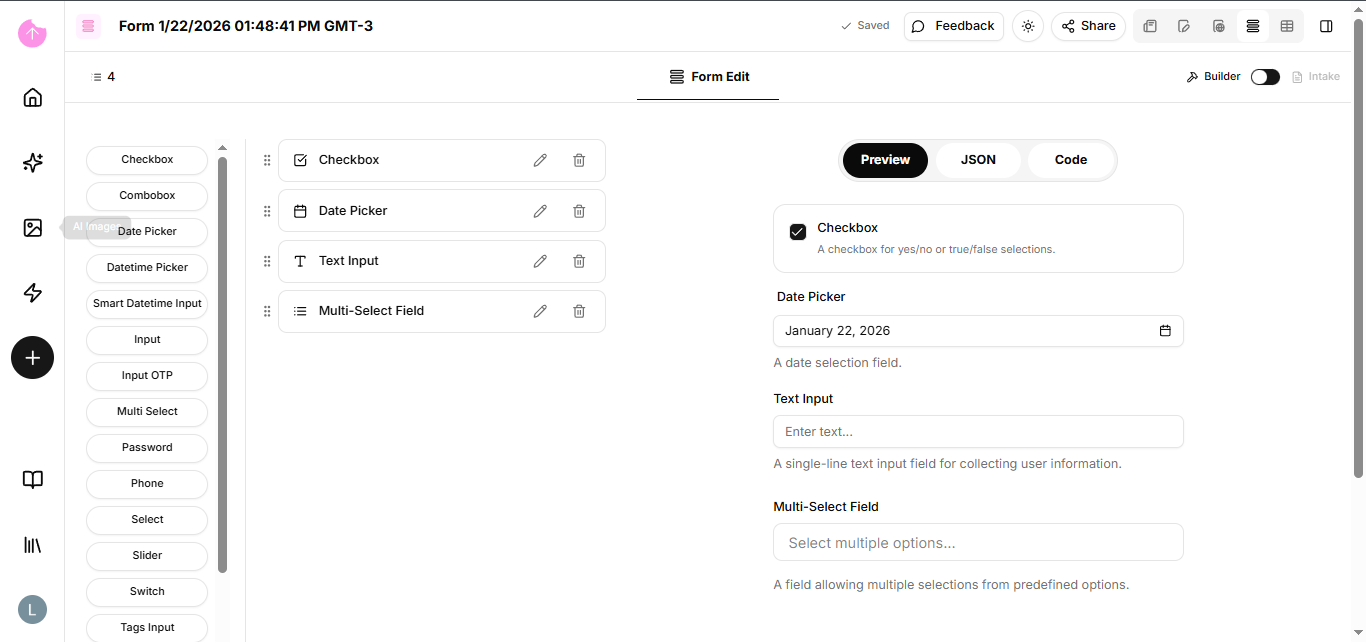
A form is a window with specific fields (question and answer) designed to capture structured data. It serves as the entry point to feed your systems, databases, or automations.
### Components of a Form:
* Input Fields: Where the user types (Text, Email, Numbers).
* Selectors: Pre-defined options (Multiple choice, Dropdown, Checkbox) that prevent typing errors.
* Conditional Logic: When the form changes based on a previous answer (e.g., if you check "Yes", a new question appears).
### How to use Forms strategically:
1. Entry Point for Automations: A form is one of the best Triggers that exist.
2. Prompt Builder: You can create a form to generate consistent prompts by combining different answer fields.
3. Feedback and Data Collection: Ideal for ensuring that information always arrives in the same format to facilitate later analysis.
{% hint style="info" %}
Using forms eliminates the confusion of disorganized data in chats or emails.
{% endhint %}
Congratulations! You've learned about all of our elements; now let's delve deeper into workflows and webhooks.