> For the complete documentation index, see [llms.txt](https://docs.snackprompt.com/llms.txt). Markdown versions of documentation pages are available by appending `.md` to page URLs; this page is available as [Markdown](https://docs.snackprompt.com/next-steps/customize-your-public-profile.md).
# Customize your public profile
Learn how to customize your public profile, add your bio, social media links, and showcase all the elements you've created for the community.
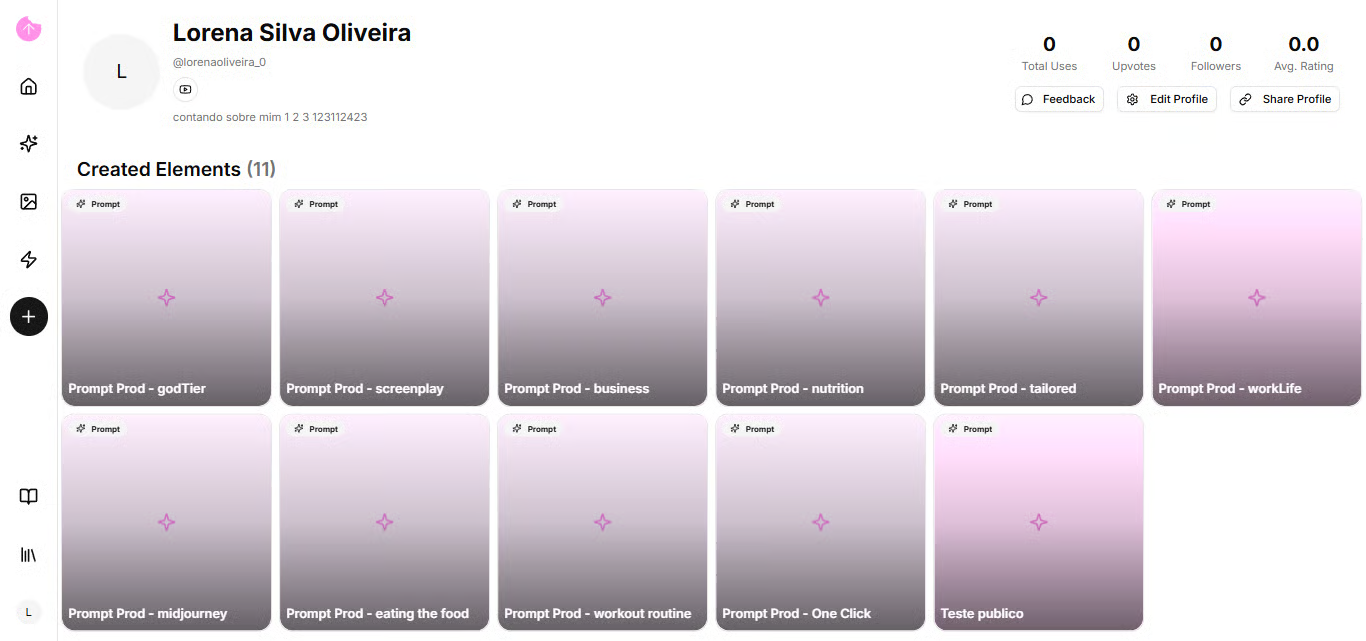
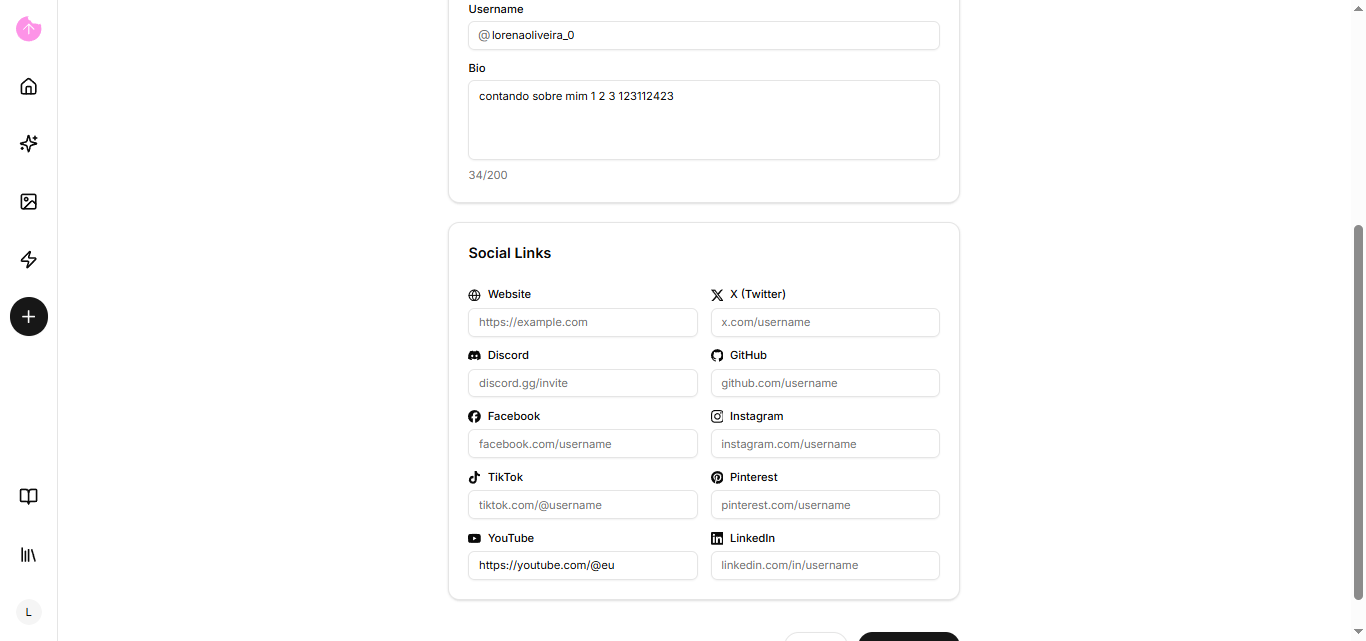
Your profile page is where other users will go to get to know you better, through your bio, and they will have access to your social media. You just need to go to edit your profile.
In addition, all your publicly created elements will appear on your profile page.
Now that you've seen our profile page, let's see how to organize your items!