> For the complete documentation index, see [llms.txt](https://docs.snackprompt.com/llms.txt). Markdown versions of documentation pages are available by appending `.md` to page URLs; this page is available as [Markdown](https://docs.snackprompt.com/next-steps/library.md).
# Manage your library
Explore the Snack Prompt library, where you'll find a curated selection of ready-to-use elements, templates, and resources.
Our library is the center of all its elements. Everything that is created is concentrated there.
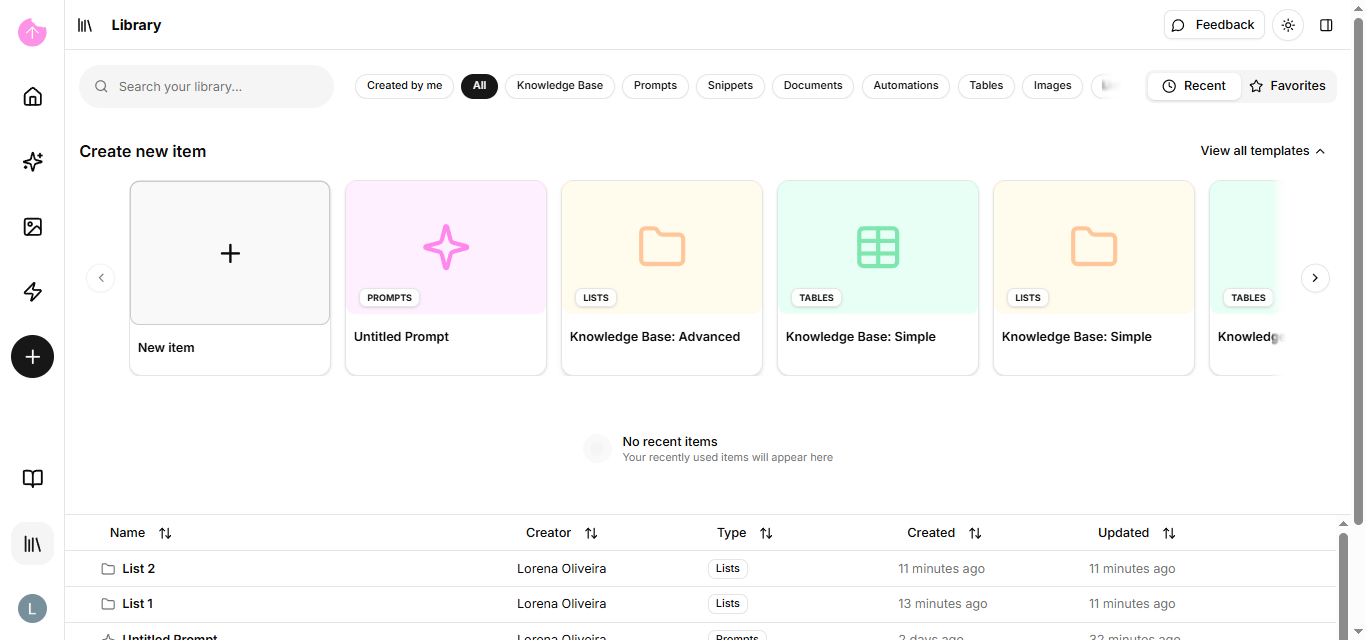
To enter the library, click on the option in the left sidebar.
Now that you're in the library, let's show you the tools.
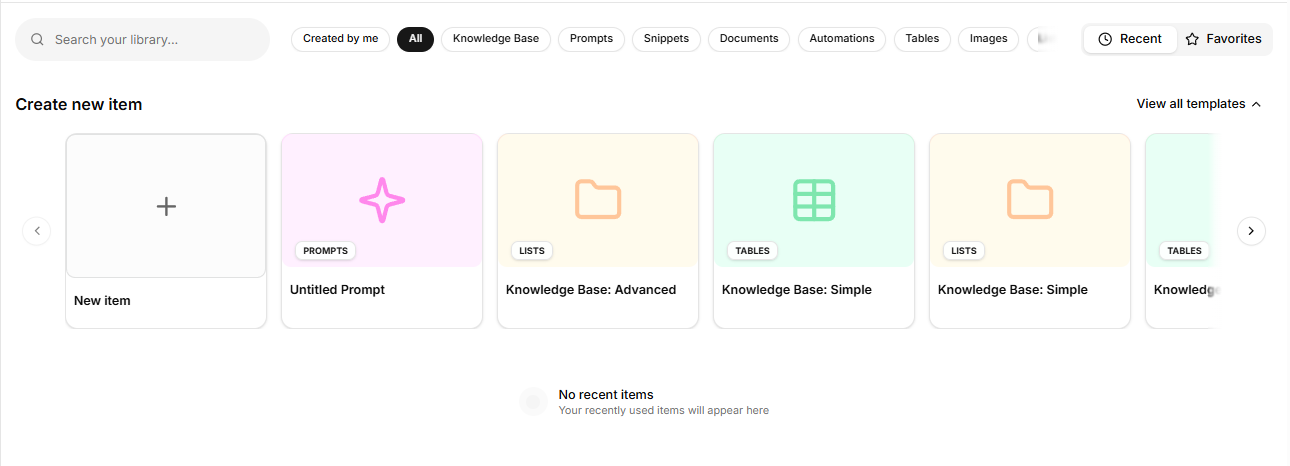
In the field above, you'll find the search bar where you can search the entire library for an item by name.
To right, there are several filters that can be combined or not. You can choose, for example, to show only prompts or only documents and automations. Your knowledge bases are also located in this filter.
Your templates, whether created by you or the Snack team, are located right below.
Additionally, you can filter by recently opened items or by favorites.
The field below is where your created or saved elements from other users are located. It also shares the same dropdown menu.
Now that you're familiar with the library, let's delve deeper into each element you saw in the [glossary](https://docs.snackprompt.com/glossary/). Starting with AI Images.