> For the complete documentation index, see [llms.txt](https://docs.snackprompt.com/llms.txt). Markdown versions of documentation pages are available by appending `.md` to page URLs; this page is available as [Markdown](https://docs.snackprompt.com/get-started/templates.md).
# Templates
Learn how to create and use templates to save time, standardizing project structures and professional layouts for recurring use.
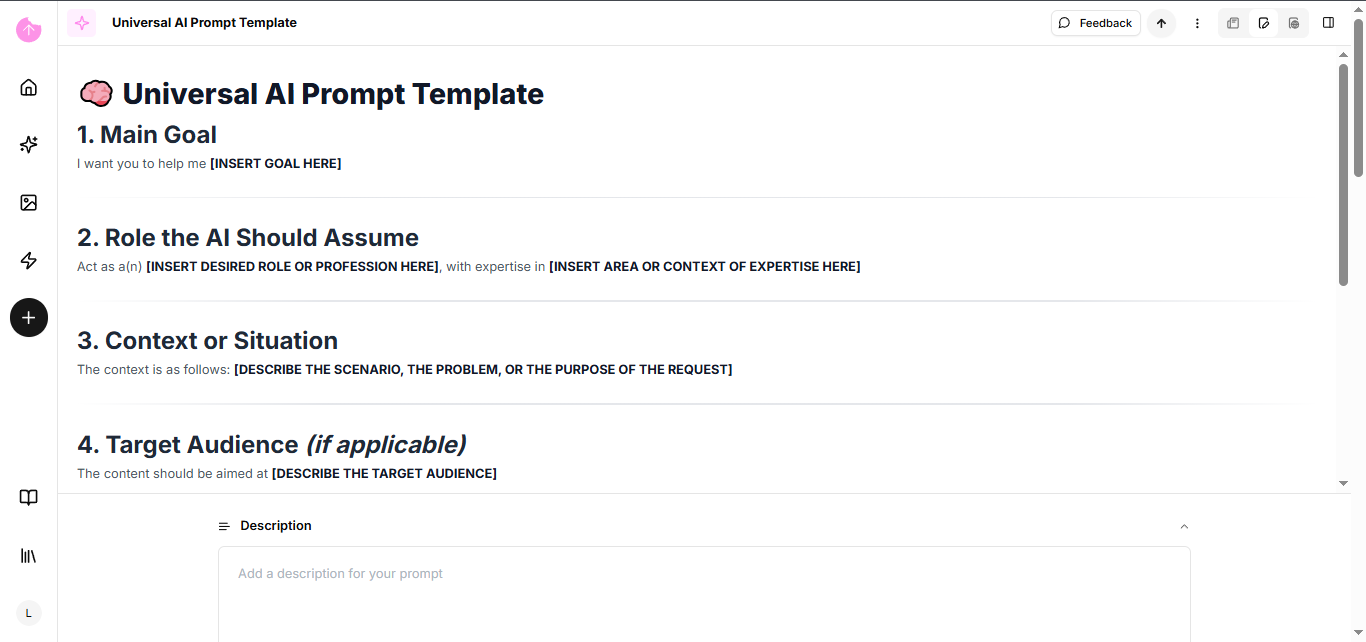
Templates are pre-defined structures used as a starting point for projects. They save time by providing a ready-made layout and design that is easily customizable, allowing anyone to create professional materials quickly without needing advanced technical skills.
### Practical Examples of Templates
* Business & Careers: Ready-to-use layouts for resumes (CVs), formal contracts, and business proposals.
* Design & Social Media: Pre-made formats for Instagram posts, YouTube thumbnails, and digital invitations.
* Web Design: Website themes (like WordPress or Wix) where you simply swap the text and images.
* Presentations: Slide decks with consistent color palettes and fonts for meetings or lectures.
* Marketing: Email templates for newsletters, product launches, or promotional campaigns.
* Project Management: Pre-formatted spreadsheets for budgeting, task schedules (Gantt charts), and workflows.
So the next time you create an amazing element that you're sure to use again, turn it into a template.
### How do I transform my elements into a template?
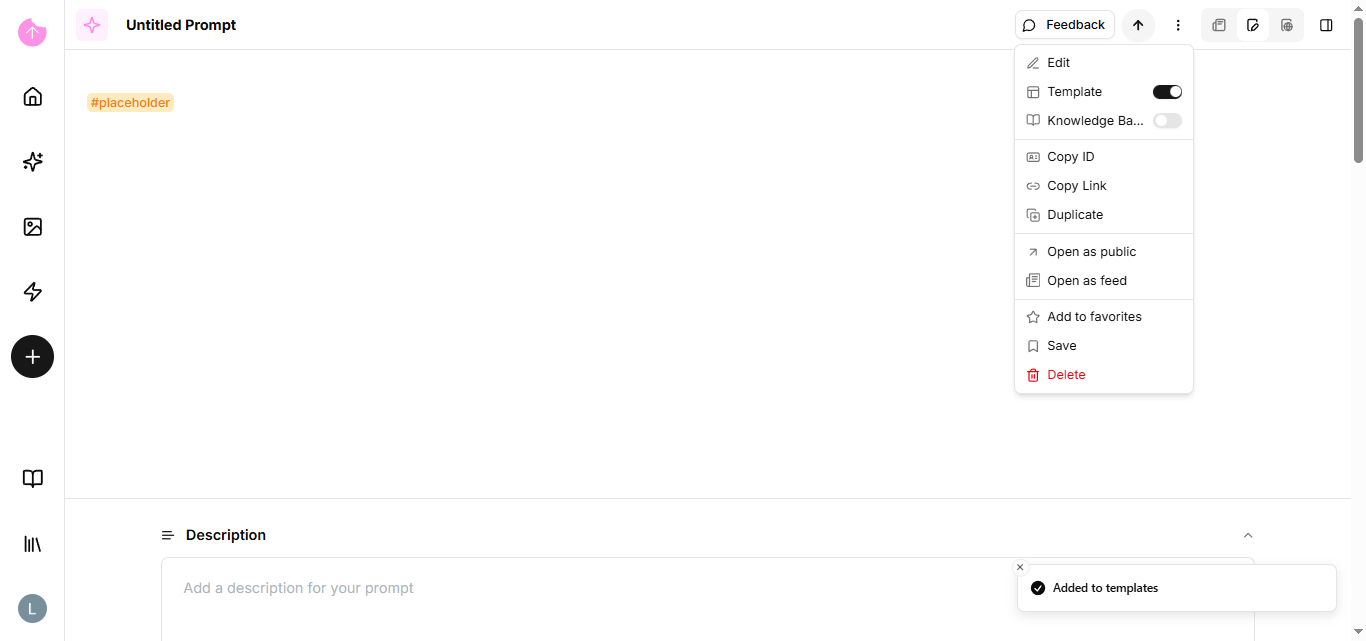
On the edit page of your element, in the header there is a dropdown menu where you can mark that item as a template.
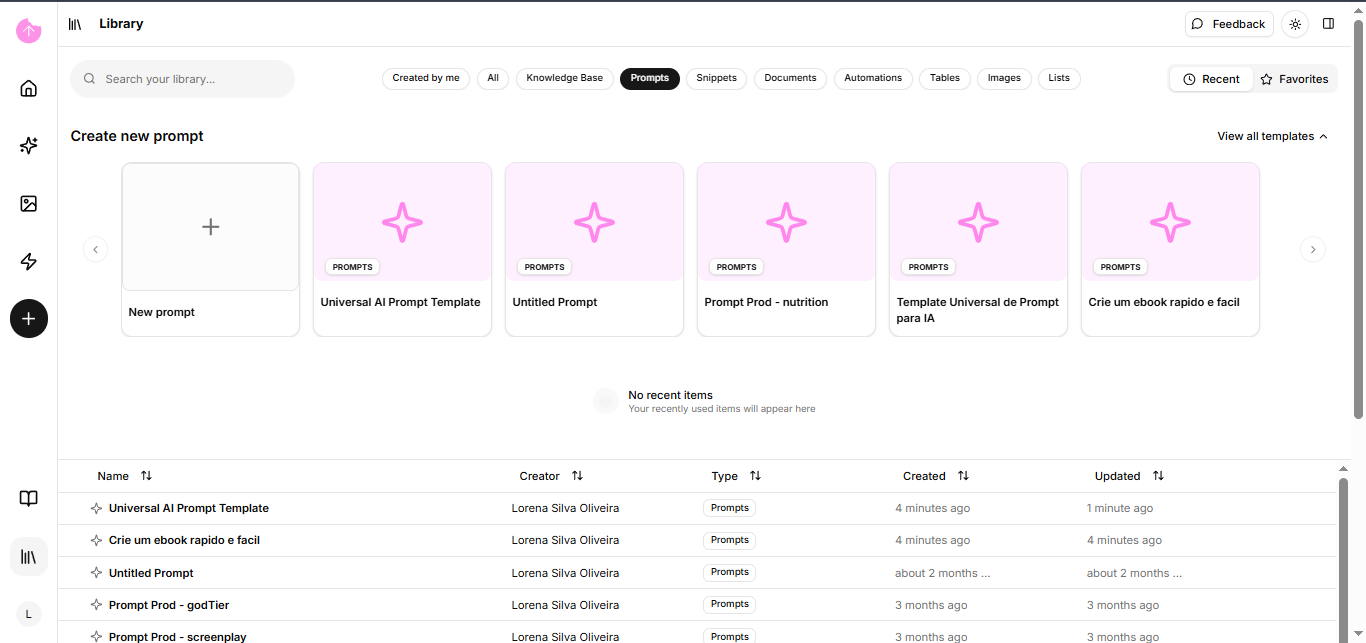
Our platform also has ready-made templates just go to the library.
Now you know the basics of our platform. Let's delve a little deeper into our other tools.