> For the complete documentation index, see [llms.txt](https://docs.snackprompt.com/llms.txt). Markdown versions of documentation pages are available by appending `.md` to page URLs; this page is available as [Markdown](https://docs.snackprompt.com/how-to/automations.md).
# Sell an automation
Introduction to the platform's automation capabilities.
Automations are workflows that execute repetitive tasks without human intervention. They operate on a simple "If This, Then That" logic, serving as a digital assistant that handles your routine "busy work" 24/7.
#### How it works:
* Step 1: Identify "Robotic" Tasks Look for tasks that are high-frequency and low-complexity, such as moving data from an email to a spreadsheet or sending follow-up reminders.
* Step 2: Choose Your Tools \* No-Code Integrators: Tools like Zapier, Make, or IFTTT allow you to connect different apps (e.g., connecting Shopify to Discord) without writing code.
* Built-in Features: Many apps have native automations (e.g., "Rules" in Outlook or "Automations" in Notion).
* Step 3: Define the Trigger and Action Every automation needs a Trigger (the event that starts it) and an Action (the task performed).
* *Example:* Trigger: New lead signs up on your website $$ $\rightarrow$ $$ Action: Automatically send them a welcome PDF and add them to your CRM.
* Step 4: Test and Optimize Run a "live test" to ensure the data flows correctly between apps before letting the automation run fully autonomously.
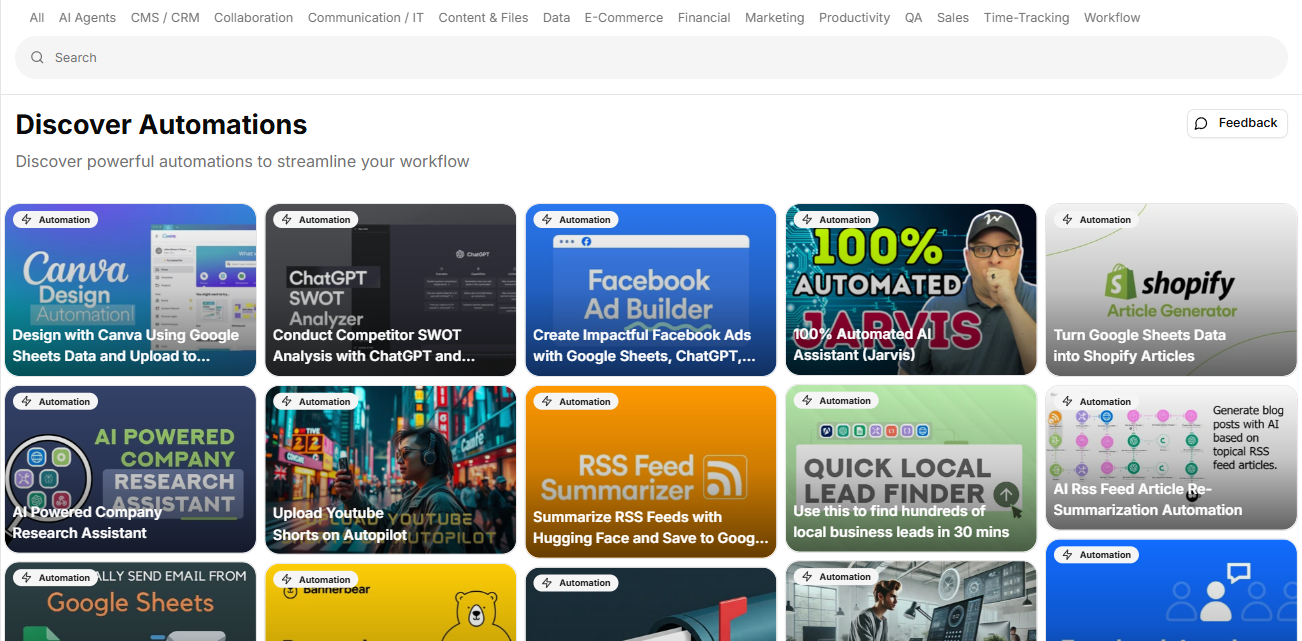
Below are some examples of automations from the platform:
1. [Create Impactful Facebook Ads with Google Sheets, ChatGPT, and the BAB Formula](https://snackprompt.com/e/automation/create-impactful-facebook-ads-with-google-sheets-chatgpt-and-the-bab-formula-2-lXOUoGeeE)
2. [Design with Canva Using Google Sheets Data and Upload to Google Drive](https://snackprompt.com/e/automation/design-with-canva-using-google-sheets-data-and-upload-to-google-drive-SOXXB4SSE)
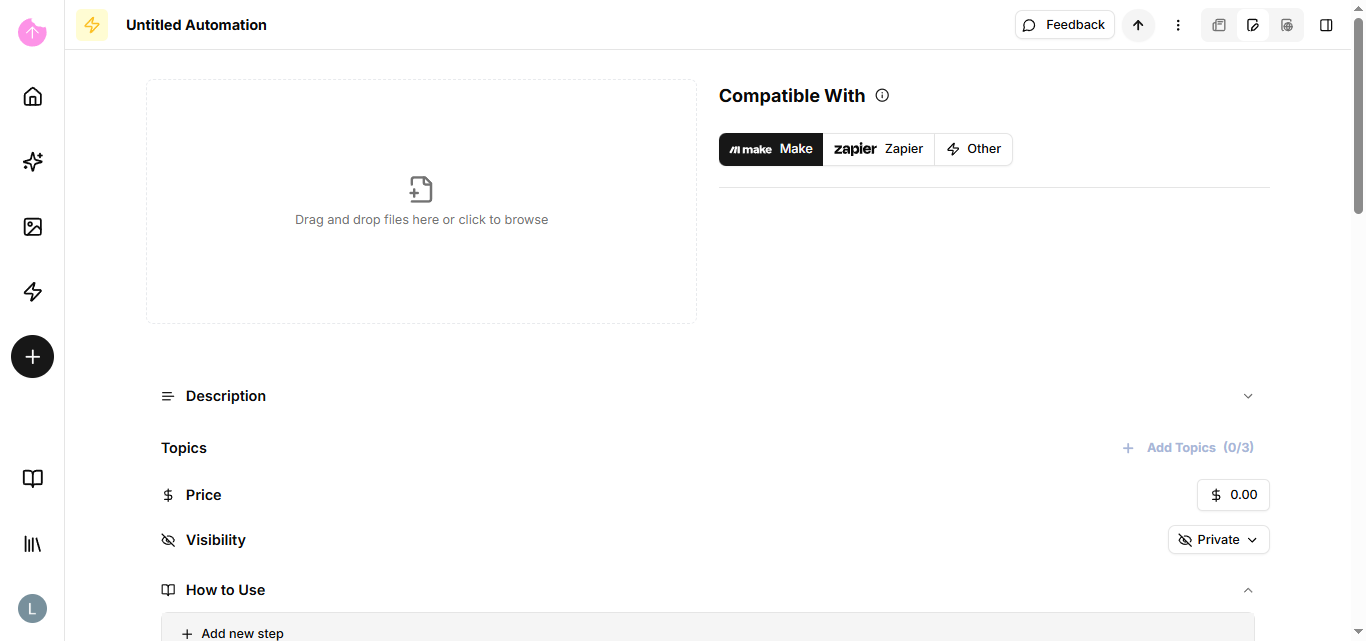
### How do I sell an automation?
The automation edit page does not have a text editor; the main component is to include a file.
Now that you know about automations, we can move on to snippet.